
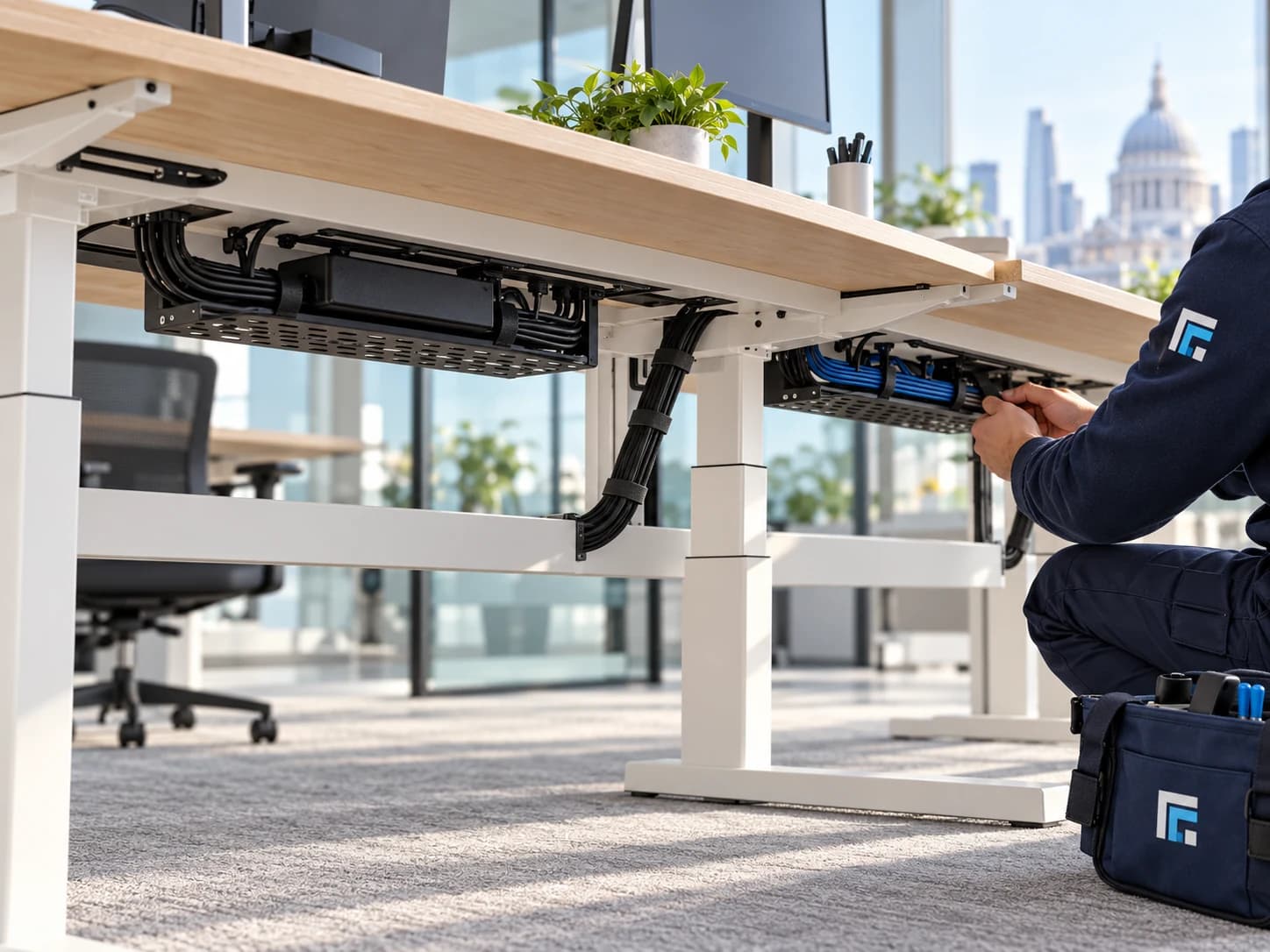
The most useful cable-management project starts beneath the surface: which equipment belongs at each desk, where it connects and what needs to move. A tidy finish matters, but so does being able to replace a screen, raise a desk or trace a lead afterwards.
Start with the equipment, not the cable ties
Walk through the workstations and make a simple inventory. Include monitors, docking stations, laptops, desk phones, chargers and shared accessories. Record which items are staying and which are due to change. A repeated desk type can often be documented once, but meeting rooms and specialist workstations deserve their own photographs. This gives the installer a useful picture of the setup without asking them to guess what an unlabelled lead does.
Plan around the furniture and existing connections
Photograph the underside of the desk as well as the top. Show the leg frame, modesty panel, monitor arms and existing power or data positions. For height-adjustable desks, explain the movement required. Cable baskets, trays, sleeves and surface containment solve different problems; the choice should follow the desk and equipment rather than a standard shopping list. Changes to fixed power or data infrastructure need their own agreed technical scope.
Agree access and disconnection responsibilities
Decide who can approve equipment shutdowns and who is responsible for reconnection or specialist IT configuration. In an occupied office, identify working areas, meeting-room bookings and any desks that cannot be disturbed during the proposed visit. Tell the office about security passes, contractor registration, loading access and parking. A cable tidy and a network reconfiguration are different requests, even when they happen at the same workstation.
Keep the handover useful
Describe the finish you want, but also the access you will need later. Ask the quotation to identify the desks or areas included, containment or materials, and the responsibilities for moving equipment and checking the setup afterwards. Where labels or a simple record of connections would help your team, include that in the brief. The aim is an organised installation your workplace can continue to understand.
Build a quotation brief that can be assessed
Send the postcode, desk quantities, photographs above and below the furniture, equipment list and preferred working window. Mention other planned tasks such as furniture assembly, monitor-arm fitting or a room-layout change. CODEEX can then review the combined requirements and discuss the appropriate next step. The before-and-after photographs on our cable-management page show one source-library example; the proposal for your office depends on its own equipment and furniture.
Services and pages mentioned in this guide